WordPress GIF Creation
Gif Maker Pro adds a browser-based image-to-GIF workflow to a WordPress website. The builder can be placed on a page or post so visitors or logged-in users can create animations using images from their own device.
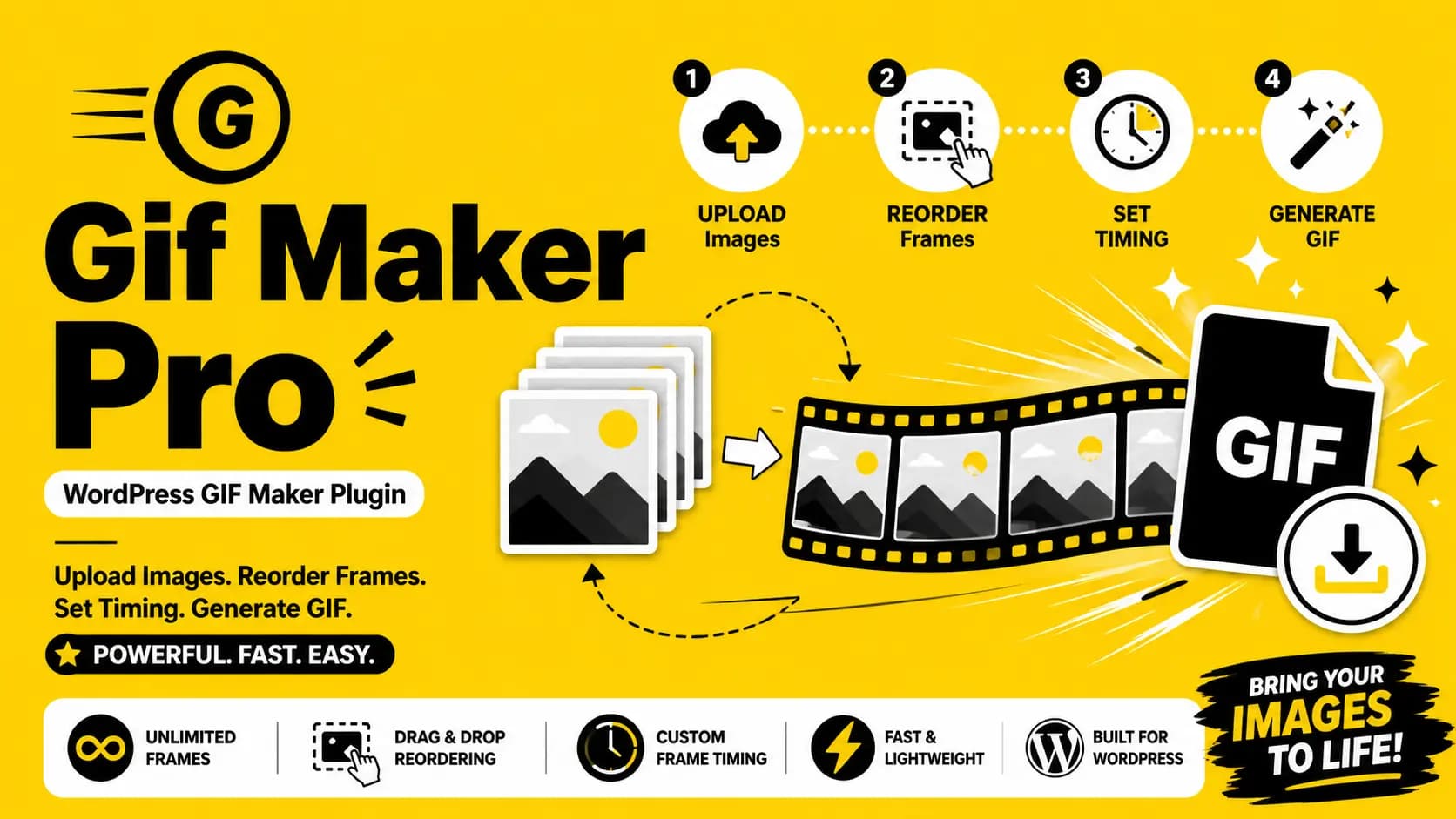
Users upload multiple images, arrange the sequence, adjust frame timing, and generate a downloadable animated GIF. The complete workflow remains inside the website, helping site owners provide a branded creative tool instead of directing users to an external GIF-generation service.
The plugin is also designed for practical administration. Site owners can control access, define separate usage limits, configure image-processing restrictions, select storage behavior, enable reCAPTCHA, customize the interface, and review generation statistics.
- Browser-based GIF creation keeps visitors on the website instead of redirecting them to an external GIF service.
- Interactive media tools can increase engagement and give users another reason to spend time on a WordPress website.
- A built-in GIF generator can support marketing, education, user-generated content, tutorials, communities, and creative workflows.
- Administrative limits and image-processing controls help site owners balance user access with available server resources.
- Custom styling makes it easier to match the GIF builder with the website brand, theme, landing page, or member area.
- Shortcode placement allows the GIF builder to be added where it best fits the website content and user journey.
Key Features
- Frontend GIF builder for creating animated GIFs directly inside a WordPress website.
- Upload multiple images from the browser and use them as individual GIF frames.
- Drag-and-drop frame ordering for arranging the final animation sequence.
- Per-frame timing controls for adjusting the delay of individual images.
- Image preview and frame-management interface before GIF generation.
- Downloadable GIF output after the animation has been generated.
- Access controls for logged-in users, website visitors, or both user groups.
- Separate daily generation limits for authenticated users and visitors.
- Configurable image-processing limits for protecting server resources.
- Upload validation for supported image types, dimensions, and file sizes.
- Optional Google reCAPTCHA v3 protection for public-facing GIF generation.
- Immediate or deferred upload behavior depending on the selected workflow.
- Temporary and permanent storage modes for generated GIF files.
- Automatic cleanup options for temporary files and expired generated media.
- Configurable interface colors and support for light, dark, or inherited theme styling.
- Admin statistics for generated GIFs, storage use, activity, and plugin operation.
- Shortcode-based placement on pages, posts, landing pages, or custom WordPress layouts.
- Responsive frontend interface for desktop, tablet, and mobile visitors.
GIF Creation Workflow
The frontend workflow is designed to keep GIF creation clear for users while applying the limits and validation configured by the website administrator.
- The site owner places the GIF builder on a WordPress page or post using the plugin shortcode.
- A visitor or logged-in user selects multiple supported images from their device.
- The uploaded images appear as individual frames inside the browser-based builder.
- The user reorders frames with drag and drop to define the animation sequence.
- Frame timing can be adjusted to control the speed and pacing of the resulting GIF.
- The plugin validates the selected files and checks configured usage and processing limits.
- The animation is generated according to the configured upload and storage workflow.
- The completed GIF can be previewed and downloaded by the user.
Admin Controls & Resource Management
WordPress administrators can control how the builder operates, who can use it, and how generated media is handled by the website.
- Choose whether the GIF builder is available to visitors, logged-in users, or both.
- Set separate daily generation limits for visitors and authenticated users.
- Configure maximum image width, height, upload size, frame count, and other processing limits.
- Choose whether files are uploaded immediately or only when GIF generation begins.
- Select temporary or permanent storage behavior for generated animations.
- Configure cleanup intervals for temporary files and expired GIF records.
- Enable and configure Google reCAPTCHA v3 for public generation forms.
- Customize interface colors or inherit compatible styling from the active WordPress theme.
- Review generation statistics, stored files, and plugin activity from the administration area.
- Review environment and image-processing requirements from the plugin settings.
Security, Storage & Operations
Public media-generation tools should validate uploads and limit resource usage. Gif Maker Pro provides configurable controls for file processing, access, storage, cleanup, and public-form protection.
- Validates uploaded image types before processing.
- Supports configurable file-size and image-dimension limits.
- Supports frame-count and usage limits to reduce uncontrolled server workload.
- Uses WordPress permissions and nonce-protected administrative workflows.
- Supports optional reCAPTCHA protection for public users.
- Provides automatic temporary-file cleanup through scheduled WordPress tasks.
- Separates frontend user controls from protected administration settings.
- Provides operational statistics to help administrators review plugin activity and storage behavior.
Business Value & Use Cases
Gif Maker Pro can add an interactive media feature to websites that want stronger visitor engagement, user-generated content, creative tools, or an integrated image-animation workflow.
- Keep visitors inside the website for image-to-GIF creation instead of sending them to third-party platforms.
- Add an interactive feature to content, membership, education, marketing, community, or creative websites.
- Create a branded GIF-generation experience that matches the existing WordPress website.
- Control who can use the tool and how often it can be used.
- Protect hosting resources with configurable upload, dimension, frame, and daily-use limits.
- Offer a practical user-generated media feature without requiring visitors to install desktop software.
Common Use Cases
- Marketing websites that need quick animated content creation.
- Educational websites that use animation to explain steps, sequences, or visual changes.
- Community platforms that want user-generated animated media.
- Content websites that provide interactive creative tools to visitors.
- Membership websites that offer GIF creation as a registered-user feature.
- Tutorial and documentation sites that create animated visual examples.
- Portfolio, design, photography, and creative websites that work with image sequences.
- Internal WordPress portals that need a simple browser-based image animation workflow.
Technology Stack & Target Users
The plugin combines WordPress administration, browser-based interaction, server-side image handling, configurable security, scheduled cleanup, and frontend media generation.
Designed For
- WordPress site owners who want to provide an integrated GIF maker.
- Content creators who need a browser-based image-to-GIF workflow.
- Marketing teams creating lightweight animated campaign assets.
- Community managers adding user-generated media tools.
- Education websites presenting visual sequences or animated instructions.
- Agencies that need a configurable GIF-generation feature for client websites.
Frequently Asked Questions
- Is Gif Maker Pro free?
Yes. Gif Maker Pro is provided as a free WordPress plugin with source code available through the public repository. - Can visitors create GIFs without creating an account?
Yes. Administrators can allow visitors, logged-in users, or both groups to use the GIF builder. Separate usage limits can be configured for each group. - Can users reorder the uploaded images?
Yes. Uploaded images are displayed as frames and can be reordered through the drag-and-drop frame interface before generation. - Can each GIF frame use a different delay?
Yes. Per-frame timing controls allow users to adjust the delay of individual frames and control the pacing of the final animation. - Can administrators limit server usage?
Yes. Administrators can configure daily usage limits, image dimensions, file sizes, frame counts, upload behavior, storage options, and cleanup settings. - Does the plugin support public-form protection?
Yes. Optional Google reCAPTCHA v3 support can be enabled to add protection to public-facing GIF-generation workflows.
Download & Source Code
Download the free WordPress plugin from the public repository, review the source code, or contact ZaxOnline about custom WordPress plugin development, browser-based media tools, and project-specific modifications.